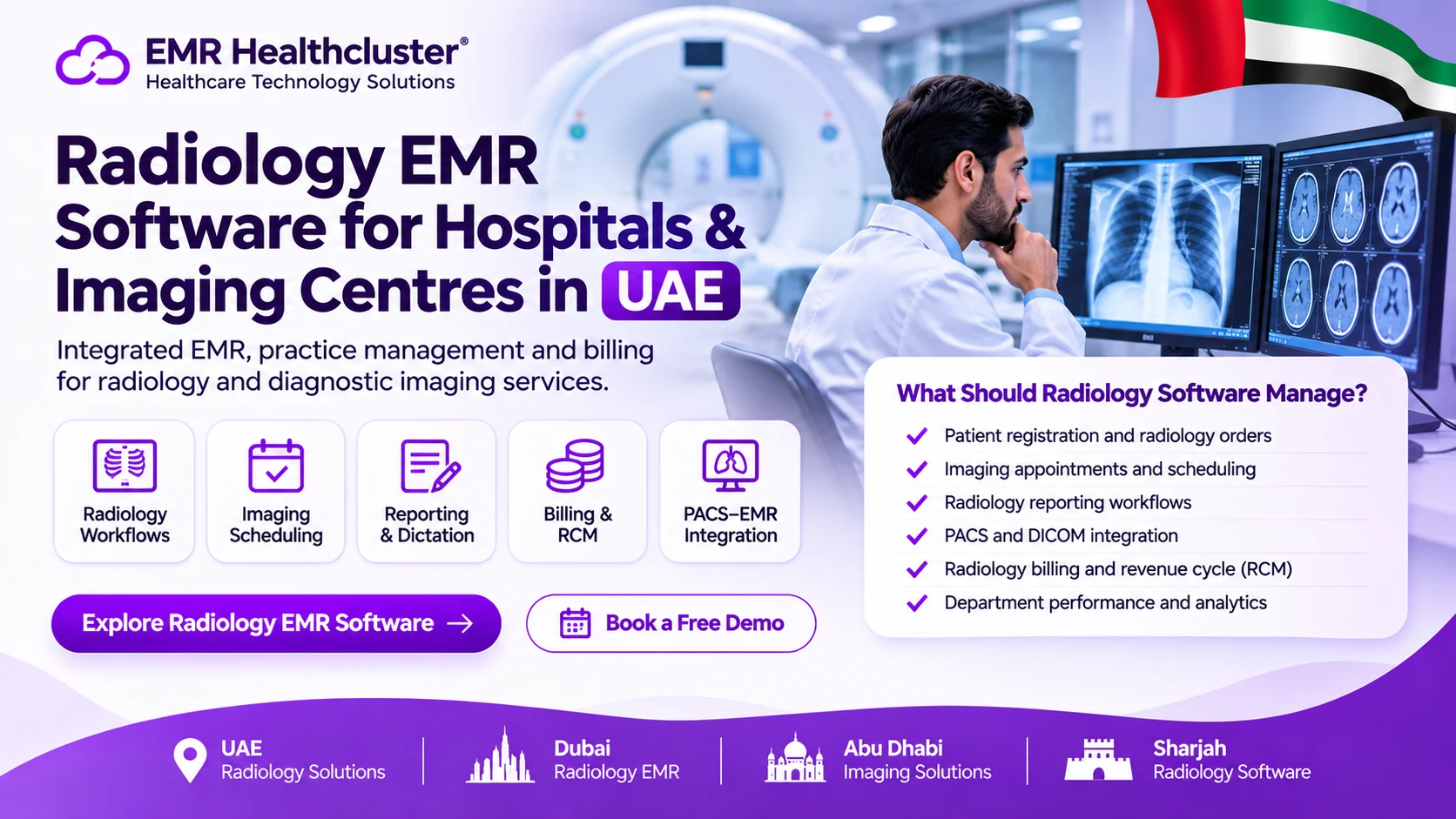
Radiology EMR Software for Hospitals & Imaging Centres in UAE
Connect radiology workflows, patient records, imaging reports, appointments and billing through an integrated healthcare technology environment. Explore EMR solutions for radiology departments, diagnostic imaging centres and hospitals across the UAE.
✓ Patient Records ✓ Imaging Workflows ✓ Reporting ✓ Billing
What Should Radiology Software Manage?
- Patient registration and radiology orders
- Imaging appointments and scheduling
- Radiology reporting workflows
- EMR and imaging information access
- PACS and DICOM integration requirements
- Radiology billing and RCM workflows
- Department performance and reporting
What Is Radiology EMR Software?
Radiology EMR software helps healthcare providers organize patient information and clinical documentation related to diagnostic imaging services. Depending on the platform, it may support radiology orders, appointment scheduling, imaging reports, patient records and billing workflows.
Radiology departments often work with multiple systems, including hospital information systems, radiology information systems (RIS), picture archiving and communication systems (PACS), reporting tools and billing applications. A connected environment can help reduce fragmented workflows and improve access to relevant information.
For hospitals and diagnostic imaging centres in the UAE, selecting the right radiology EMR software requires more than checking basic patient record functionality. Decision-makers should evaluate reporting workflows, imaging integration, interoperability, financial operations, security and local implementation requirements.
Explore the product: Visit radiology emr software by Health Cluster to review the solution and discuss your organization’s requirements.
Explore This Guide
- Radiology department challenges
- Essential radiology EMR features
- Radiology workflow management
- PACS-EMR integration
- Radiology reporting software
- Practice management and RCM
- Radiology EMR software UAE
- City-specific software solutions
- Compliance and interoperability
- How to choose the right software
- Why consider EMR Healthcluster?
- Frequently asked questions
Why Radiology Departments Need Integrated EMR Software
Disconnected systems can make it harder to coordinate imaging appointments, patient records, reporting and billing.
Fragmented Patient Information
Radiology teams need access to relevant patient details, clinical history, orders and previous reports.
Imaging Appointment Coordination
Manage imaging requests, appointment schedules, department capacity and patient attendance.
Radiology Reporting Workflows
Organize report creation, review, approval and availability for authorized healthcare professionals.
PACS and Imaging Connectivity
Evaluate how imaging studies, images and reports connect across RIS, PACS and EMR environments.
Billing and Revenue Management
Connect imaging services with charges, invoices, payments and relevant insurance workflows.
Limited Department Visibility
Give management teams better visibility into imaging activity, reporting workflows and financial operations.
Essential Features of Radiology EMR Software
Evaluate these capabilities when comparing radiology software for your hospital or diagnostic imaging centre.
Patient Registration
Maintain patient demographics, medical information and relevant clinical records.
Radiology Orders
Manage imaging requests and connect orders with relevant patient and clinical information.
Imaging Appointment Scheduling
Coordinate appointments, imaging resources, patient visits and department schedules.
Radiology Reporting
Organize report preparation, review, approval and access to finalized imaging reports.
Imaging History
Provide authorized users access to relevant previous imaging studies and reports.
PACS Integration
Evaluate the connectivity required to access imaging studies and reports through PACS-related workflows.
Radiology Billing
Manage imaging service charges, invoices, payments and financial records.
Insurance and RCM
Evaluate eligibility, authorization, claims and revenue cycle workflows for imaging services.
Reports and Analytics
Review imaging activity, reporting turnaround, service utilization and financial performance.
How Radiology EMR Software Supports Imaging Workflows
A connected workflow can help clinical and administrative teams coordinate imaging services from order to report delivery.
PACS-EMR Integration in Radiology: What Should Hospitals Know?
PACS and EMR systems serve different but complementary purposes. PACS is used to store, retrieve and distribute medical imaging studies, while an EMR manages broader patient clinical information and documentation.
PACS-EMR integration can help authorized healthcare professionals access relevant imaging information within the wider patient care workflow. The exact integration depends on the systems involved, supported interfaces and the hospital’s technical requirements.
Important PACS-EMR Integration Considerations
- Patient identity and demographic matching.
- Radiology orders and imaging procedure information.
- Imaging study availability and retrieval.
- Access to finalized radiology reports.
- Relevant DICOM and interoperability requirements.
- User permissions and audit logging.
- Integration testing and exception handling.
What Is DICOM in Radiology?
DICOM (Digital Imaging and Communications in Medicine) is a standard used for handling and exchanging medical imaging information. Hospitals should assess DICOM compatibility across their imaging equipment, PACS and related systems.
Before implementation: Ask the vendor to confirm supported PACS products, interfaces, DICOM workflows and the exact scope of EMR integration. Do not assume that every PACS connection is included in a standard EMR package.
What to Look for in Radiology Reporting Software
Radiology reporting software helps radiologists and authorized clinical staff prepare, review and manage diagnostic imaging reports. For hospitals and imaging centres, reporting workflows should fit the department’s reporting standards and clinical responsibilities.
Important Reporting Capabilities
- Structured and free-text reporting options.
- Report templates based on imaging modalities and clinical requirements.
- Report review and approval workflows.
- Access to relevant patient history and previous reports.
- Secure report storage and retrieval.
- Communication of finalized reports to authorized care teams.
- Reporting workflow monitoring and audit history.
When evaluating the best radiology reporting software, hospitals should assess clinical usability, reporting templates, integration with RIS and PACS, user permissions and the ability to fit existing radiologist workflows.
Radiology EMR, Practice Management & RCM Services
Radiology departments need more than imaging documentation. Their operational environment also includes appointment administration, patient billing, insurance processes, service pricing and financial reporting.
Radiology Practice Management
Practice management capabilities help coordinate patient registration, appointments, provider schedules, imaging service administration and departmental operations.
Radiology Billing and EHR Software
Radiology billing workflows may involve procedure charges, invoices, payment tracking, insurance information and financial reconciliation. An integrated environment can help connect these activities with patient and service records.
Revenue Cycle Management for Radiology
Revenue cycle management (RCM) focuses on the financial journey of healthcare services, from registration and eligibility checks through billing, claims, payments and reconciliation.
- Patient and payer information management.
- Service and procedure charge capture.
- Eligibility and authorization workflows where applicable.
- Claims submission and tracking where supported.
- Payment posting and reconciliation.
- Financial reports and outstanding balance monitoring.
Healthcare providers should confirm the available billing and RCM capabilities, payer integrations and local requirements during the software evaluation process.
Radiology EMR Software UAE: What Hospitals and Imaging Centres Should Consider
Healthcare providers in the UAE should select radiology EMR software according to their facility location, licensing arrangements, imaging services, information security responsibilities and applicable healthcare authority requirements.
Healthcare Authority Requirements
Requirements may differ depending on whether a facility operates in Dubai, Abu Dhabi, Sharjah or another Emirate. Confirm the applicable authority requirements for your facility and its specific services.
Healthcare Information Exchange
Evaluate applicable information exchange requirements, including NABIDH for relevant Dubai providers, Malaffi for relevant Abu Dhabi providers and Riayati for applicable UAE settings.
Patient Data Security
Assess role-based access, authentication, audit logs, data protection, hosting, backups and relevant healthcare information security requirements.
Insurance and Billing Workflows
Confirm whether the system can support your imaging centre’s billing, insurance, authorization and claims requirements.
Implementation and Support
Evaluate data migration, system configuration, training, integration testing, technical support and ongoing maintenance.
Radiology EMR Software Across UAE Cities
Explore healthcare and EMR solutions for radiology departments, diagnostic imaging centres and hospitals in the UAE.
Radiology EMR Compliance and Integration Considerations in UAE
Compliance and interoperability should be considered during radiology software selection, not only after implementation. The requirements depend on the facility’s location, clinical scope, data flows and applicable authority policies.
DHA and NABIDH – Dubai
Dubai providers should assess relevant DHA requirements and applicable NABIDH information exchange processes. Confirm the required data scope, interfaces and technical responsibilities.
DoH and Malaffi – Abu Dhabi
Abu Dhabi healthcare providers should evaluate applicable Department of Health requirements and relevant Malaffi integration processes.
MOHAP and Riayati – Relevant UAE Settings
Facilities operating under relevant MOHAP or local authority arrangements should assess applicable Riayati requirements and their responsibilities for healthcare data exchange.
Healthcare Information Security
Review access controls, audit logging, authentication, data hosting, backups and applicable security frameworks, including ADHICS where relevant to the facility.
Imaging Interoperability
Evaluate DICOM, HL7 and other relevant interfaces based on the imaging equipment, RIS, PACS and EMR systems involved. Confirm which interfaces are supported and included in the implementation scope.
Important: An EMR or radiology software purchase does not automatically establish regulatory approval or health information exchange connectivity. Confirm the exact requirements and integration scope with the relevant authority and vendor.
How to Choose the Best Radiology EMR Software
Use this evaluation framework when comparing radiology software vendors for your healthcare facility.
01. Define Your Imaging Services
Identify your imaging modalities, department structure, reporting requirements and patient volumes.
02. Review Clinical Workflows
Evaluate radiology orders, appointments, reporting, approvals and access to patient history.
03. Assess PACS Integration
Confirm DICOM workflows, imaging study retrieval, report availability and interface requirements.
04. Compare Billing and RCM
Review service charges, invoicing, insurance workflows, claims and financial reporting.
05. Check UAE Requirements
Confirm applicable authority requirements, data protection controls and health information exchange scope.
06. Request a Live Demonstration
Ask the vendor to demonstrate your actual radiology workflows and required integrations.
Why Consider EMR Healthcluster for Radiology Management?
Explore healthcare software capabilities for hospitals, diagnostic centres and connected clinical operations.
EMR Healthcluster by Health Cluster provides healthcare software solutions for organizations looking to connect patient information, clinical documentation, hospital operations and financial workflows.
For radiology departments and imaging centres, the right solution should be evaluated according to imaging workflows, reporting requirements, PACS connectivity, billing operations and integration with the wider healthcare environment.
Healthcare decision-makers can discuss their operational requirements with the Health Cluster team and evaluate the relevant modules, supported integrations and implementation scope.
EMR Environment
Evaluate patient records and clinical documentation within the broader healthcare workflow.
Hospital Management
Explore patient administration and operational capabilities across healthcare departments.
Radiology Management
Discuss radiology department requirements and the relevant product capabilities.
Billing & RCM
Evaluate financial workflows connected with healthcare services and patient billing.
Healthcare Integration
Discuss interoperability requirements with the relevant implementation team.
Implementation Planning
Review deployment, configuration, training, support and integration scope.
Explore the product: Visit radiology emr software to learn more about the solution and discuss your facility’s requirements.
Radiology EMR Software UAE – FAQs
Answers for radiologists, imaging centre owners, hospital management and healthcare IT decision-makers.
What software is used in radiology?
Radiology departments commonly use a combination of Radiology Information Systems (RIS), Picture Archiving and Communication Systems (PACS), imaging equipment software, reporting tools and EMR or HIS platforms. These systems serve different purposes and may be integrated to support patient, imaging and reporting workflows.
What is the best EMR software?
The best EMR software depends on the healthcare organization’s specialty, size, workflows, integration needs, reporting requirements and regulatory environment. Hospitals should compare clinical documentation, patient management, interoperability, security, billing integration and vendor support before selecting a platform.
What is the best radiology reporting software?
The best radiology reporting software should fit the department’s reporting workflow, support appropriate templates, provide review and approval processes, and integrate with the required RIS, PACS and EMR systems. The right choice depends on the facility’s imaging services and clinical requirements.
What is radiology EMR software?
Radiology EMR software helps manage patient records and clinical documentation related to imaging services. Depending on the solution, it may connect radiology orders, appointments, reports, patient information and billing workflows.
What is the difference between RIS, PACS and EMR?
RIS manages radiology department information and workflows, PACS stores and distributes medical imaging studies, and EMR manages broader electronic patient records and clinical documentation. Healthcare organizations may integrate these systems to support connected imaging workflows.
What is PACS-EMR integration in radiology?
PACS-EMR integration connects relevant imaging information with the wider patient record environment. Depending on the implementation, authorized users may access imaging studies and associated reports through connected workflows.
What is DICOM in radiology software?
DICOM stands for Digital Imaging and Communications in Medicine. It is a standard used for handling and exchanging medical imaging information between compatible imaging equipment and healthcare systems.
Can radiology EMR software support billing and RCM?
Some healthcare platforms connect radiology services with billing, payments and revenue cycle workflows. Confirm the availability of procedure charge capture, insurance processes, claims and payer integrations with the vendor.
What should radiology centres in Dubai consider before buying software?
Dubai radiology centres should evaluate clinical workflows, imaging integrations, reporting, billing, data security and applicable DHA and NABIDH requirements. The exact requirements depend on the facility and its services.
How can I request a radiology EMR software demo from Health Cluster?
Visit the Health Cluster radiology management software page or contact the team to discuss your imaging centre or hospital requirements and request a product demonstration.
Explore EMR and Healthcare Software Solutions
Discover healthcare technology solutions for hospitals, clinics and diagnostic imaging centres.
Looking for Radiology EMR Software in UAE?
Explore EMR Healthcluster and discuss how Health Cluster can support your radiology department’s patient management, imaging workflows, clinical documentation and billing requirements. Request a product demonstration based on your organization’s needs.
Book Your Radiology Software Demo →